Notes that file themselves
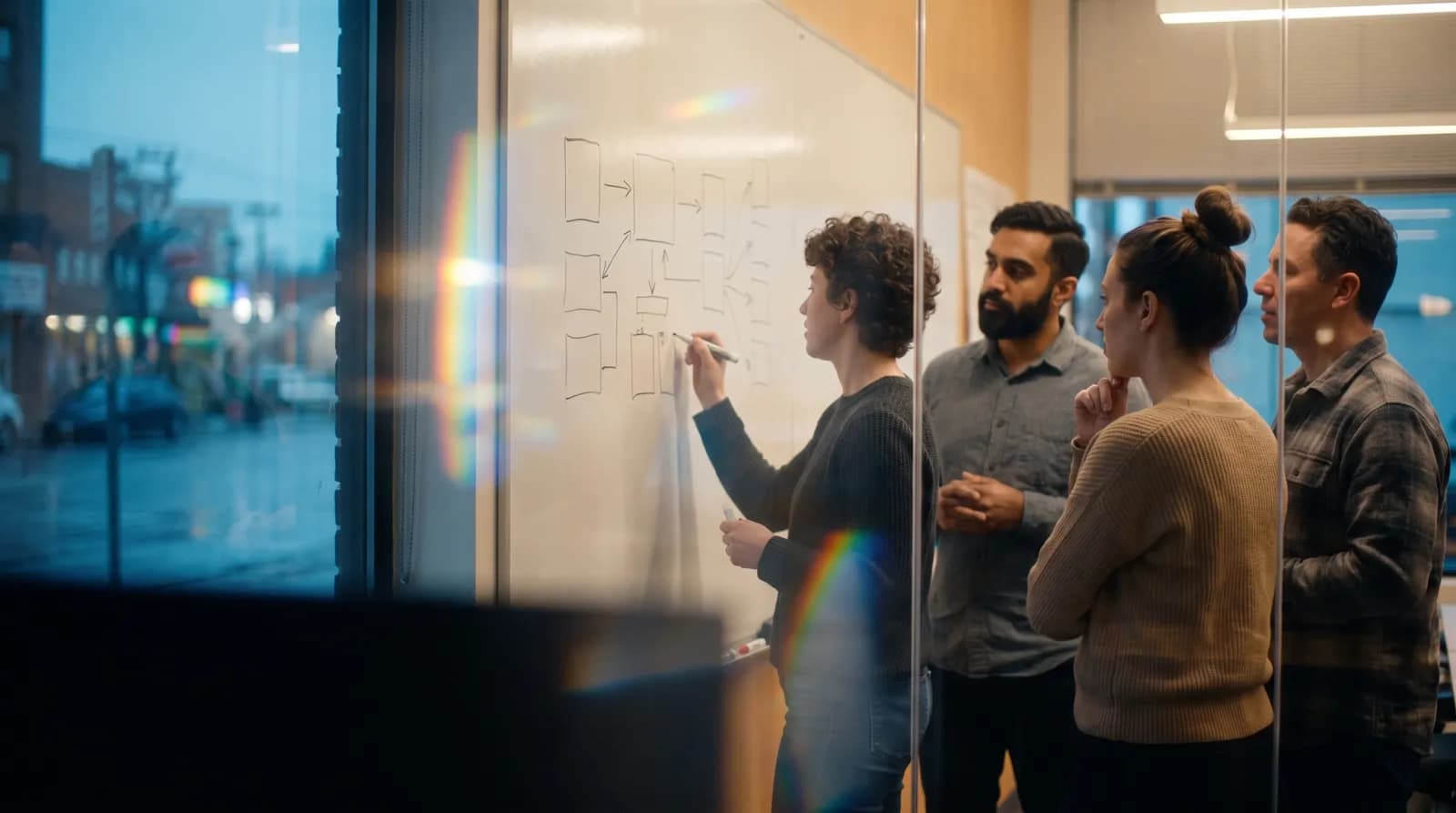
The design review ran for fifty minutes and settled something real: you are not sharding the table, you are adding a read replica first and revisiting in the new year. Four people now know that. In three weeks, two of them will remember it, one will remember it differently, and the fifth person, who joins in October, will propose sharding the table.
The note was taken. That is not the problem. The problem is that the note is in a meeting note, and nobody goes to meeting notes. They go to the ticket, the doc, and the channel. A decision only counts once it lands in one of those.
The filing tax
Between the meeting ending and the work starting there is a chore nobody owns. Someone has to turn six action items into tickets with the right owners, paste the decision into the design doc, and post the two-line version in the channel for the people who were not there. It takes fifteen minutes and it is the first thing dropped when the next meeting starts on the hour.
So it gets done for the important meetings and skipped for the rest. Which means your tracker holds the work that someone had the time to file, not the work the team agreed to do. Over a quarter those two lists drift a long way apart.
The fix is to make filing a byproduct of the meeting rather than a task after it. Meeting Notes already extracts the decisions and the action items with owners against them. The remaining step is pushing each one to the place where its work will actually happen.
What a technical meeting produces
Before deciding where things go, it helps to be precise about what comes out of an hour of engineers talking. It is rarely one artefact. It is usually five, and they belong in different places.
- A decision, plus the reasoning that made it the decision rather than the alternative.
- Action items, each with an owner and ideally a date.
- An open question that nobody could answer in the room.
- A correction: something the team believed last month that turned out to be wrong.
- Context worth keeping, like the constraint a downstream team mentioned in passing.
Standard note-taking flattens all five into one document and files it under the meeting's name. That is the mistake. The action item wants to be a ticket. The reasoning wants to be in the design doc, next to the design. The correction wants to be visible to whoever reads the old page next.
The correction is the one everyone drops. Somebody says "that benchmark was run on the old hardware, ignore it" and the meeting moves on, and the benchmark stays on the wiki for another year. Filing it takes ten seconds and saves the next person a week of building on a number that was retracted out loud in a meeting they were not in.
| Meeting | What it produces | Where it should land |
|---|---|---|
| Design review | A decision and the reasoning behind it | The design doc in Notion, dated, next to the option you rejected |
| Standup | Blockers and small commitments | Tickets in Linear or Asana, assigned, same day |
| Incident review | A timeline and follow-up actions | The incident doc, with each follow-up tracked separately |
| Roadmap check-in | Scope changes and dates | A short update in the channel, so nobody has to attend to stay current |
| Customer call with an engineer on it | A constraint you did not know about | The drive folder for that account, and the ticket it affects |
Setting it up once
This is a one-afternoon job and then it is done. Ona connects to Google Calendar, Outlook Calendar, Notion, Slack, Asana, Linear and Google Drive, with more coming; the current list lives on the integrations page.
From meeting to tracker
- Connect the calendar firstIt is what gives a recording its name, its attendees and its project. A meeting Ona can identify is a meeting whose output it can route sensibly.
- Connect the two tools you actually useResist connecting everything. The tracker your team lives in and the place your docs live cover most of it. Add the channel when you are happy with the first two.
- Record the meetingPhone, web, or the Ona RecordPen — a Bluetooth pen you put on the table — for the reviews that happen at a whiteboard rather than on a call. Meeting Notes treats all three the same way once the recording stops.
- Review the action items before they leaveRead the extracted list once. Fix the owner Ona guessed wrong, delete the two items that were hypotheticals, and add the date that was implied but never said.
- Send them where they belongAction items to the tracker, decision and reasoning to the doc, two-line summary to the channel. The meeting is filed before the room has emptied.
The review goes faster if you know what you are looking for. A filed action item needs three things: a verb, a name, and a date. "Look into the replica lag" has none of them and will sit in the backlog until someone closes it out of embarrassment. "Ravi measures replica lag under Friday's load test, by the 26th" is a ticket somebody can finish. Ona extracts what was said; turning a hypothetical into a commitment is the part that is still yours.
Give the open question an owner too. Questions nobody could answer in the room are the most perishable thing a meeting produces: everyone remembers the decision and nobody remembers the doubt. File it as its own item, with the name of whoever is going to find out, and it survives until the next review.
The weekly version
Filing per meeting handles the work. The thing it does not handle is drift, which is what happens to a project between one review and the next. For that, set a Routine that runs on Friday morning and reports one project's week: what was decided, what moved, what is still open and who it is waiting on.
It reads in two minutes and it does the job that a status meeting does badly. Teams that run one of these tend to shorten the Monday sync, because most of what would have been said in it has already been read.
The other direction: memory in your editor
Filing pushes meeting output into your tools. Ona MCP does the opposite: it makes your meeting memory available inside other AI tools over the Model Context Protocol, so the assistant in your editor can answer from the design review instead of guessing.
The useful case is narrow and specific. You are reading code with a comment that makes no sense, and the reason it exists was explained in a call eight months ago by someone who has since changed teams. Asking why a thing is the way it is, and getting the meeting back, is worth more than any amount of generated code.
It is worth being clear about the shape of this. MCP gives another tool read access to what you have recorded; it does not put Ona inside your editor as a second assistant, and it does not write code. The job it does is answering the question a code comment cannot: not what this does, but what the team decided, and when they decided it.
Half our architecture decisions used to live in someone's head and a Slack thread that had scrolled away. Now the decision is in the doc with the date on it, and the follow-ups are tickets before I get back to my desk.
Ben O., Staff Engineer, logistics platform
What this does not replace
A filed decision is not a design document. It is a record of what was chosen and why, written in the words people used in the room. It is a good starting point for a proper write-up and a bad substitute for one. If a decision needs a document that outlives the meeting, someone still has to write that document.
The same goes for specs, runbooks and anything a new joiner will read on their first day. Meetings are where those get decided, not where they get written. The Ona for technical and product teams page walks through where the line sits across a full sprint.
The limits, stated plainly
Ona files what was said. It does not close tickets, merge anything, or judge whether an action item is worth doing. It cannot know your team's conventions unless you tell it, so the first week of tickets will be shaped slightly wrong and you will fix them by hand.
Transcription also finds engineering vocabulary harder than ordinary speech. Internal service names, acronyms and surnames come back wrong often enough that you should read the action items before they become tickets. A correction from you fixes the record going forward.
And the integration list is finite. If the tool your team lives in is not on it, filing is a copy and a paste today, and we would rather say that than imply otherwise.
Edge cases worth knowing
Most engineering conversations are not. Someone turns round and asks a question, and twenty minutes later there is a decision.
Record those from the phone, from Hover, or with the RecordPen, then name the recording yourself so it sits with the right project. The filing step is identical; only the naming is manual.
No. One person recording a review is enough for the decisions and action items to get filed, and the tickets look the same to everyone regardless of who created them.
A shared workspace is what changes when more of the team joins: the memory stops being one person's and starts being the project's.
Ask before recording, the same as any other call, and be careful where the output lands. A constraint a customer mentioned in confidence does not belong in a channel half the company can read.
File those to the account's own doc or ticket, not to the general project channel.
Let the next review file itself
Connect your calendar and your tracker, record one design review, and see what lands where before you leave the room.